
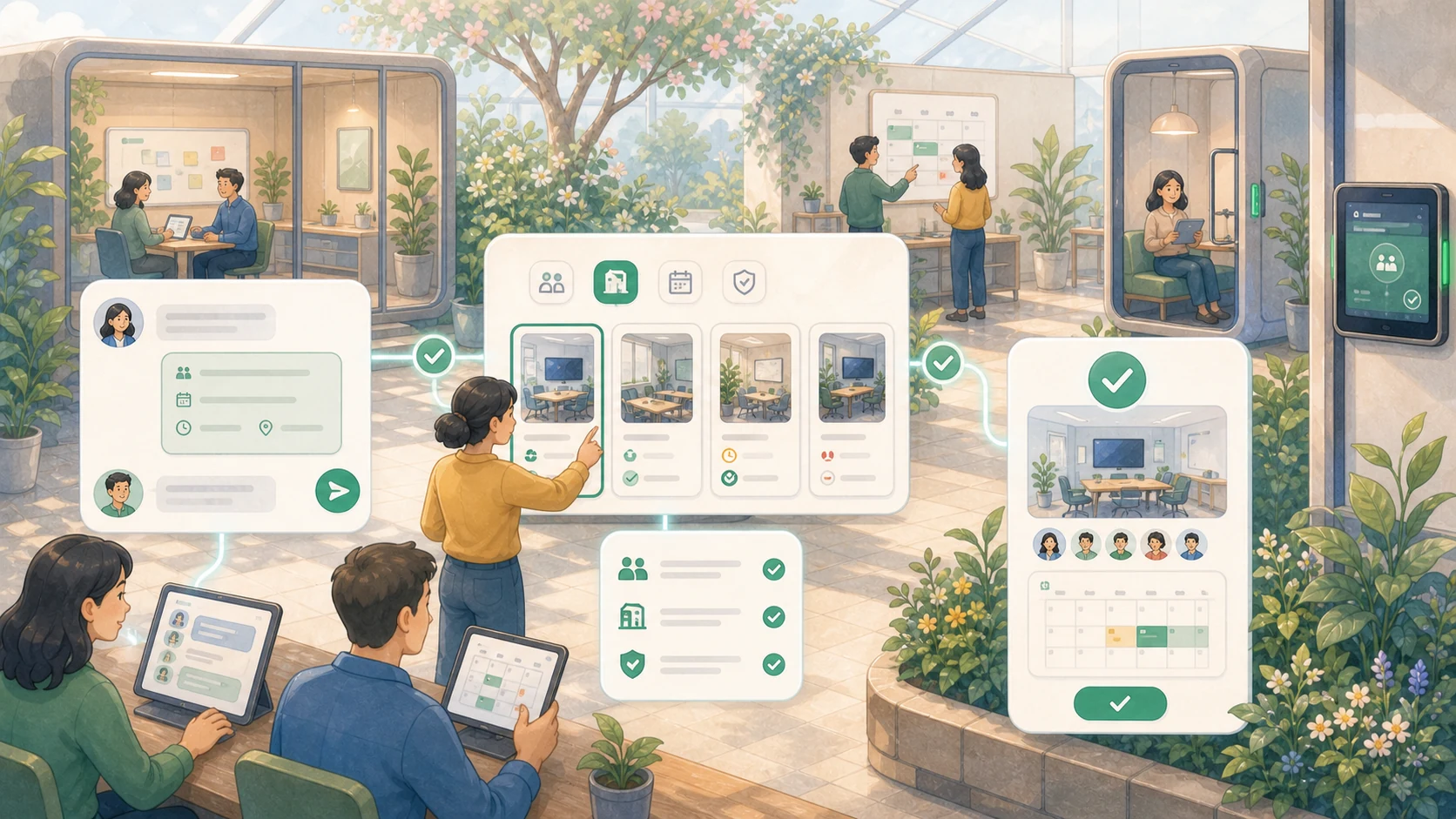
App listing
What Room Booking for Teams does
A Northstar Operations pilot app that books approved meeting rooms from Microsoft Teams, applies team-specific room rules, and writes the reservation to the shared calendar.
Expected impact: Near-zero double-booked rooms, and reserving a room takes seconds inside Teams.
Problem Statement
Booking a room means opening the shared calendar, hunting for a free slot, and hoping nobody grabs it first. Teams double-book the good rooms, and the rooms set aside for one team get taken by another. It’s a small thing that wastes time every single day.
Proposed Workflow
Ask for a room right inside Microsoft Teams, “book the design studio for the 2pm review.”
- RoomRunner checks the Teams calendar for what’s actually free.
- It reserves the room for your team and adds it to everyone’s calendar.
- It confirms the booking back in Teams, with a one-tap way to cancel or move it.
The room you need, booked before your meeting even starts.
Access and Governance
Each team gets its own rooms and rules. The Design team can book the studio; another team can’t take it out from under them. RoomRunner only lets people reserve the rooms their team is allowed to use, the same rules your office already runs on, just enforced automatically.
What It Connects To
- Microsoft Teams, where you ask for and confirm the room.
- Your shared calendar, where the reservation actually lives, so there’s one source of truth.
Acceptance Criteria
- A Teams request returns available rooms that match the team, time, and capacity.
- The booking is written to the shared calendar and confirmed in Teams.
- Users cannot reserve rooms outside their team’s approved access.
- The pilot reports double-booking, cancellation, and usage data before rollout.
Department
Workplace Operations
Application type
internal build
Risk tier
low
VibeExchange explainer
How employees back this listing
88 employees have allocated credits to this listing. Credits signal demand and help prioritize review; they do not approve budget, data access, or launch by themselves.
VibeExchange explainer
How delivery works after approval
VibeExchange builds Room Booking for Teams for your company and connects it to the tools you already use. Your company owns the app and its code, and every change is reviewed and approved before it goes live.
We scope it
We confirm what it should do, who owns it, and what data it touches.
We build & review it
It's built step by step, and every change is checked before it goes live.
We keep it safe
Quality and security checks run throughout, and access stays locked to the right roles.
Listing ownership
Owners, teams, and access
Business owner
Elsa Kim
Backing teams
Design, Workplace Operations, People
Access
Follows your company's existing roles and permissions.
VibeExchange explainer
Approval gates before anything ships
Qualified
Enough support to be reviewed
Budget
Needs a manager's go-ahead
Security
Checked before launch.
Launch
Goes live only when approved.
Live status
Where it runs
Not live yet, it goes live in your own cloud once approved.
Runs in your company's own cloud. You see the real status, never a guess.
Activity
Audit trail
Pilot started, the Design team now books the studio and two huddle rooms from Teams.
Connected to the Microsoft Teams calendar so bookings show up where people already look.
Reached full support after 88 employees backed it.